
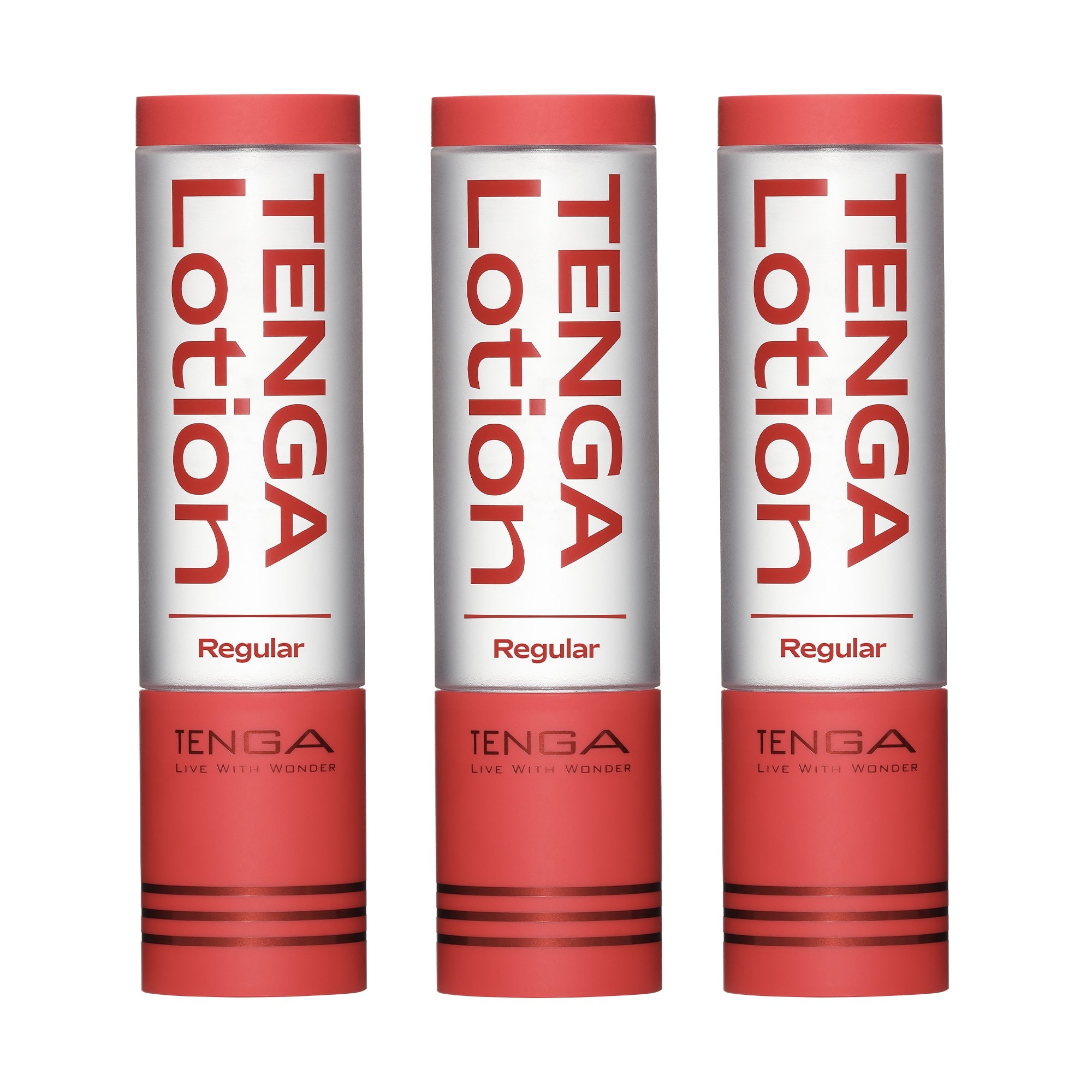
TENGA Subscriptions
Subscribe Now and Enjoy Exclusive Benefits
TENGA Subscription delivers your favorite products to your door every month with free shipping!
Sort by
Filters
Frequently Asked Questions
What's in a TENGA Subscription Box?
The TENGA Subscription delivers a curated bundle of your choice - perfect for those who never want to run out of their favorite TENGA products.
How does the subscription work and what are the benefits?
TENGA Subscription is the easiest way to make sure you stay stocked up without ever running out. Just choose your preferred delivery frequency, and we'll deliver it automatically. No need to reorder each time!
Subscribe today and enjoy free shipping, effortless convenience, and a discount on the popular products of your choice.
How do I manage my subscription?
You can manage your subscription at any time through your customer account.
From there, you can:
- Update or add payment details
- Change your shipping address
- Pause or cancel your subscription
- Review product and subscription information
- Skip upcoming orders
- View past orders
Simply log in to your account to make any changes.
How do I update or add my payment information?
You can easily update your payment details through your customer account.
To update your payment method:
1. Log in to your customer account.
2. Click on ""Manage Subscriptions"".
3. Select the subscription you'd like to update.
4. Under ""Overview"", click the pencil icon next to Payment.
5. Choose your preferred payment method from the list.
6. (Optional) To add a new payment method:
– Click Edit
– Under Payment methods, click Add
– Enter your new credit card, debit card, or digital wallet info
7. Click ""Save"" to confirm the changes.
Your subscription will now use the updated payment information.
How do I change my shipping address?
You can change your shipping address at any time through your customer account.
To change your shipping address:
1. Log in to your customer account.
2. Click on ""Manage Subscriptions"".
3. Select the subscription you'd like to update.
4. Under ""Overview"", click the pencil icon next to the Shipping address.
5. Update your shipping details in the form.
6. Click ""Save"" to confirm the changes.
How can I pause my subscription?
You can pause your subscription at any time through your customer account. Once paused, you won't be charged or receive any future orders until you choose to resume.
To pause your subscription:
1. Log in to your customer account.
2. Go to Manage Subscriptions.
3. Select the subscription you want to pause.
4. Under Overview, click Pause subscription.
5. Confirm by clicking Pause subscription again.
A confirmation banner will appear to let you know your subscription is successfully paused.
Free shipping across Europe
✔︎ On orders from €50
Quick & Discreet Shipping
✔︎ Orders dispatched same day
✔︎ Orders dispatched within 36 hours
Official European TENGA Store
✔︎ Direct support & first access to new products
30-Day Returns
✔︎ On unopened products
Private & Secure Checkout
✔︎ Protected by 3D-Secure